Works in every app
Shows up as a standard virtual camera in every video-call, streaming, and recording app — anything that lists cameras.
CamPass turns any Mac's webcam into a virtual camera on the Mac you're working on — so the right camera shows up in your video calls, wherever you are.
Free for 7 days — then $19.99 once for a lifetime license on up to 3 Macs.
No subscription, no account.
End-to-end encrypted · low latency over your local network

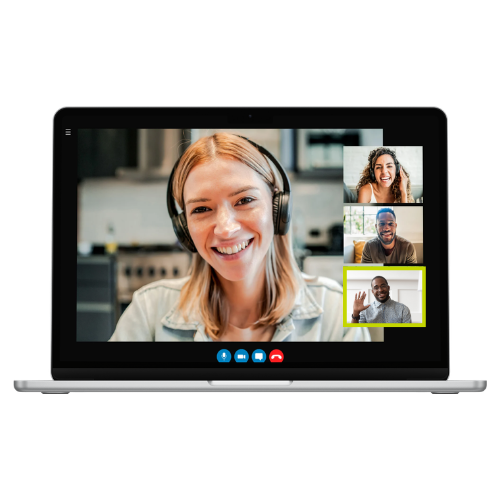
A real system virtual camera — not a screen-share hack. Point it at the Mac with the good webcam; pick it up on the Mac you're working from.
Shows up as a standard virtual camera in every video-call, streaming, and recording app — anything that lists cameras.
The mini lives on a shelf or in a rack with no screen. Hang a webcam on it and take calls on it from the Mac you actually work on.
Mirror your MacBook to a big iMac for the screen space, but keep the iMac's front-and-center webcam on you — eyes on the screen, camera on you.
An iMac or Studio Display often has a far nicer webcam than a mini or an old laptop. Put that camera on whichever Mac you're working from.
Every session runs a Curve25519 key exchange and encrypts all video and control traffic. Local-network only — no cloud, no account, nothing leaves the house.
Hardware H.264 keeps glass-to-glass delay in the tens of milliseconds on your LAN, with bitrate that adapts to your network.
CamPass stays idle until an app like Zoom, Meet, or Teams opens the camera — then it connects on its own and streams, and disconnects the moment your call ends. No background streaming, and the other Mac's camera light stays off between calls.
Open CamPass on each Mac. On the one with the camera, choose “This Mac has the camera.” The other becomes the receiver.
The camera Mac appears automatically on your network. Enter the 6-digit code it shows — just once. After that, the Macs recognize each other silently.
Choose CamPass Camera in your video app — anywhere a camera menu lives.
Download CamPass and try it free for 7 days. Keep it for good with a one-time $19.99 unlock — one license covers up to 3 Macs.
Requires two Macs on macOS 15 or later.